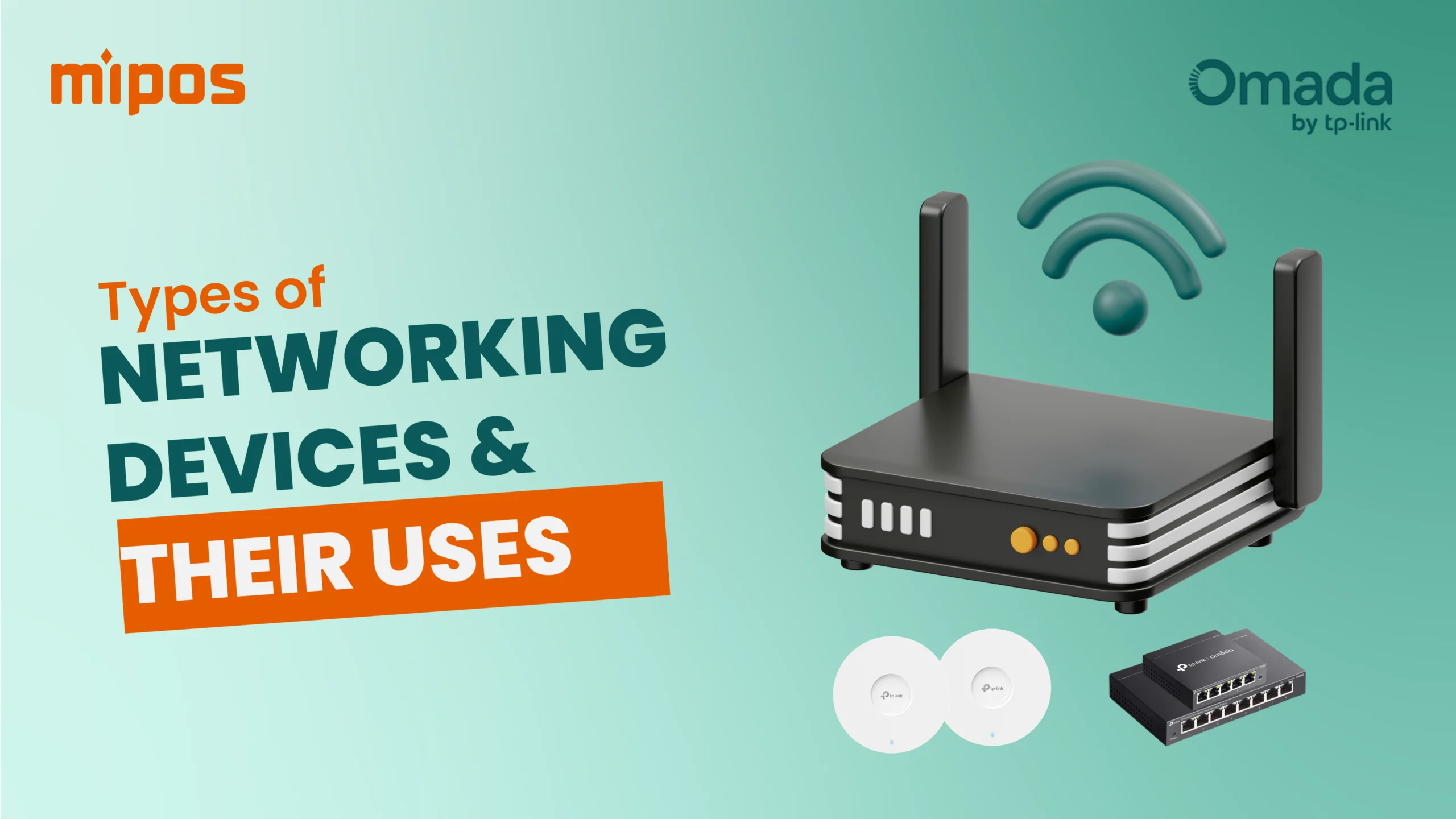
Business Networking Devices Explained: A Complete Guide for Malaysia SMEs
Introduction
In today’s business world, slow internet, weak WiFi, and unstable POS systems can cost you sales.
Whether you run a restaurant, retail shop, warehouse, clinic, or office in Malaysia, having the right business networking setup is no longer optional — it’s critical.
In this guide, we’ll explain in simple, non-technical language:
What is a router, switch, and access point
Who needs business networking devices
When you need each device
Common problems these devices solve
Differences between TP-Link Omada models
Best networking setup for office, restaurant & retail shop
Why choose TP-Link Omada
Why businesses in Malaysia choose Mipos

What is a Router, Switch, and Access Point?
Think of your internet network like a water supply system in your building.
🔹 Router = The Main Gate
A router connects your business to the internet.
It:
Connects to your ISP (Time, Unifi, Maxis, etc.)
Distributes internet to your internal network
Manages traffic
Protects your network with firewall
Without a router → no internet.
🔹 Switch = The Distribution Hub
A switch connects multiple wired devices together.
For example:
POS terminals
Printers
CCTV
Office PCs
NAS storage
If your router only has 4 LAN ports but you need 10 devices → you need a switch.
🔹 Access Point (AP) = WiFi Broadcaster
An access point creates WiFi signal.
If your shop:
Has weak WiFi at the back
Has dead zones
Has many customers using WiFi
You need additional access points.

Who Needs Business Networking Devices?
If you operate any of the following in Malaysia:
Restaurant / Café
Retail shop
Pharmacy
Mini market
Clinic
Corporate office
Warehouse
Co-working space
Tuition centre
You need proper networking devices.
Why?
Because modern businesses depend on:
E-invoicing
Cloud software
CCTV
Staff attendance systems
Inventory sync
Online payments
Shopee / Lazada integration
Unstable internet = unstable business.

When Do You Need Router, Switch, Access Point?
You Need a Router When:
You open a new shop
Your ISP modem is unstable
You need better security
You want VPN or remote access
You want centralized control
You Need a Switch When:
You have more than 4 wired devices
You install CCTV
You expand to multiple POS terminals
You want stable wired connection
You Need Access Points When:
WiFi is weak
Restaurant is large
Double-storey shop
Office has meeting rooms
Customer WiFi is unstable
Staff complain about slow internet

What Problems Can Business Networking Devices Solve?
✅ Slow POS System
Often caused by poor WiFi or weak router.
✅ Payment Terminal Disconnecting
Unstable network = failed transactions.
✅ QR Ordering System Lag
Customer experience suffers.
✅ CCTV Not Recording Properly
Bandwidth issues.
✅ Shopee / Lazada Sync Fails
Network interruptions.
✅ Staff Complaining Internet Slow
Too many devices connected.
✅ Customers Can’t Use WiFi
Poor coverage.

TP-Link Omada Business Networking Models Overview
TP-Link offers Omada, a business-grade networking solution designed for SMEs.
Omada includes:
Business Routers (Models: ER605W, ER706W)
Managed Switches (Models: ES205G, ES208G)
Ceiling / Wall Access Points (Models: EAP610, EAP613)
Centralized Cloud Controller
Unlike home routers, Omada is designed for:
Stability
Scalability
Centralized management
Multiple branches
VLAN separation (POS System WiFi vs Guest WiFi)

Differences Between Omada Models (General Comparison)
🔹 Routers
ER series (Enterprise Router)
Supports VPN
Multi-WAN load balancing
Firewall security
Best for:
Office
Restaurant chain
Retail HQ
🔹 Switches
Unmanaged vs Managed
PoE switch (Power over Ethernet) can power:
Access points
CCTV
IP phones
Best when:
Installing multiple devices
Need VLAN separation
Want structured network
🔹 Access Points
Ceiling mount (EAP series)
Wall mount
Indoor / Outdoor models
WiFi 6 support
WiFi 6 is ideal for:
High traffic restaurants
Busy retail stores
Co-working spaces

Office vs Restaurant vs Retail – Which Setup Is Best?
 Office Networking Setup
Needs:
Stable VPN
Staff LAN
Meeting room WiFi
Secure guest WiFi
Recommended:
Managed PoE Switch
2–4 WiFi 6 Access Points
Omada Cloud Controller
🍽 Restaurant Networking Setup
Needs:
POS stability
QR ordering
Kitchen printers
Customer WiFi
CCTV
E-invoice ready
Recommended:
Omada Router
PoE Switch
Multiple Ceiling AP (depending on size)
VLAN separation (Guest vs POS)
🛍 Retail Shop Networking Setup
Needs:
POS
Card payment
Inventory sync
Shopee/Lazada
CCTV
Recommended:
Business Router
8-Port Switch
1–2 Access Points

Why Choose Omada by TP-Link?
1️⃣ Centralized Cloud Control
Manage all branches in one dashboard.
2️⃣ Business-Grade Stability
Built for 24/7 usage.
3️⃣ Scalable
Add devices easily.
4️⃣ VLAN Support
Separate POS, Guest WiFi, CCTV safely.
5️⃣ Cost Effective
Affordable compared to enterprise brands.
6️⃣ Suitable for Malaysia SMEs
Ideal for growing businesses.

Why Buy Networking Devices from Mipos?
At Mipos, we don’t just sell networking hardware.
We:
Design network structure
Install onsite
Configure VLAN
Integrate with POS system
Optimize for restaurant & retail
Provide after-sales support
We understand:
POS system requirements
Restaurant operations
Multi-branch setup
Malaysian business needs
We ensure your network is:
✔ Stable
✔ Secure
✔ Scalable
✔ Ready for future expansion

Frequently Asked Questions
Is business router better than home router?
Yes. Business routers provide:
Better stability
VPN support
Traffic control
Security features
How many access points do I need?
Depends on:
Shop size
Wall structure
Number of users
Devices connected
Can one router cover entire restaurant?
Usually no. Large or double-storey restaurants need multiple access points.
Do I need managed switch?
If you want:
VLAN
Better control
CCTV separation
Then yes.

Contact Mipos for Business Networking Solutions in Malaysia
Whether you operate:
Restaurant
Retail shop
Office
Warehouse
Chain outlet
Let Mipos design a stable and scalable network for you.
💬 WhatsApp us for consultation
📍 Serving businesses across Malaysia
Future-ready network = Future-ready business.
Want more like this?
Browse all our guides on POS systems, Sunmi devices, restaurant strategy, and shop tech in Malaysia.